Operate
Open the day, run it, and close it out in one place.
The morning report, the Daily Timesheet, the dashboard and the End of Day sign-off work as one, so the plan you set at dawn is the day you sign off at night.
The problem
Most tools see only one part of the DSP day.
The morning plan lives in one place, the assignments in another and the end-of-day notes in a group chat. By the time anyone reviews the day, half of it is missing.
How FLO solves it
FLO carries one day from the morning report through the Daily Timesheet to the End of Day report, with the same drivers, routes, vans and devices the whole way.
Inside Daily Operations
What it does, in detail.
Morning Opening Report
Opens automatically when one is due and brings in the day's routes. Earlier reports stay under View Morning Report.
Today and This week
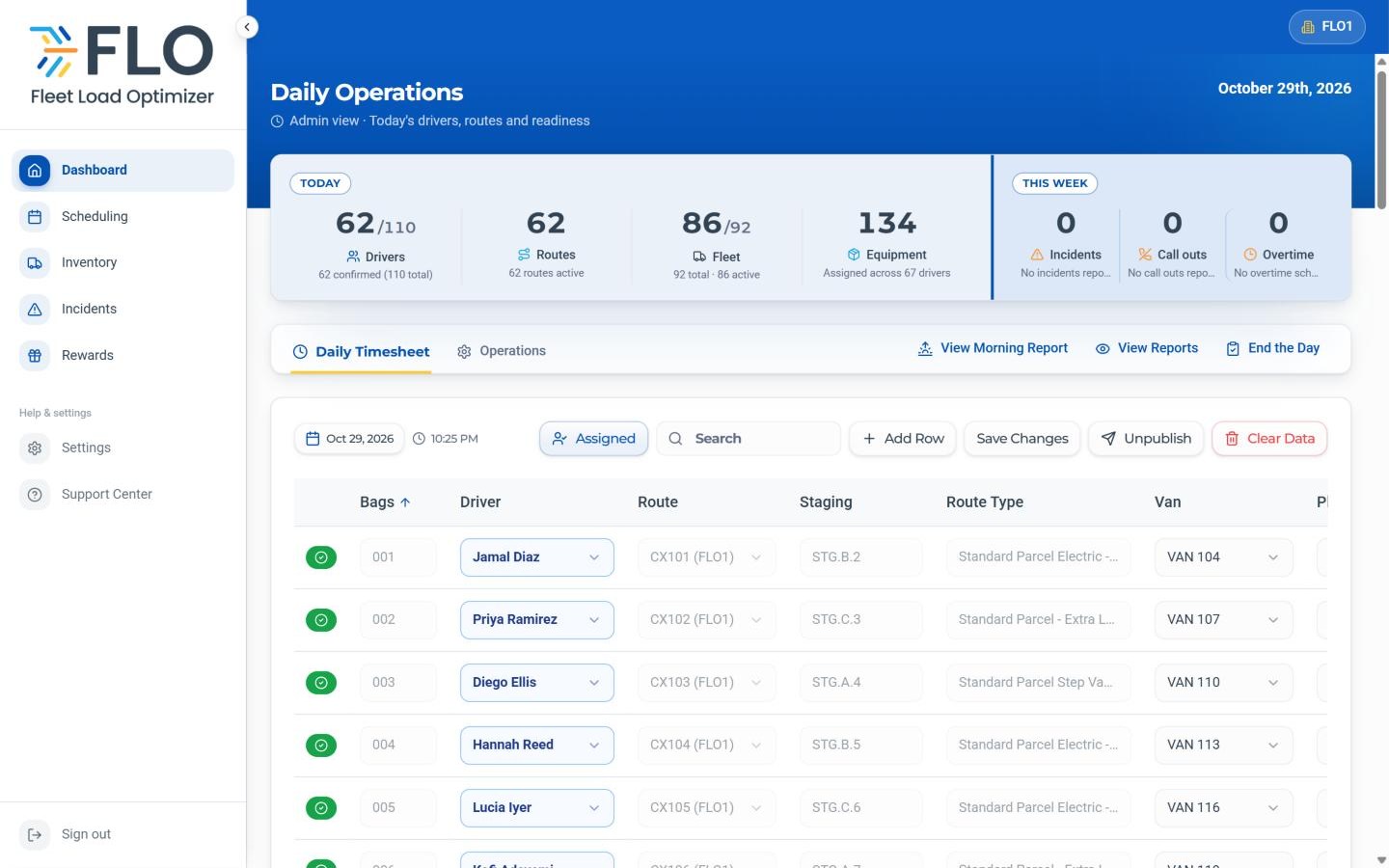
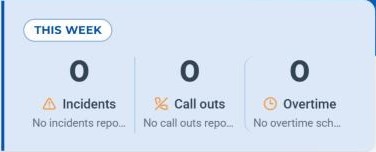
Drivers, routes, vans and equipment for today, and the week's incidents, call outs and overtime, at the top of the dashboard.
Daily Timesheet
Every route paired with a driver, van, phone and power bank, published to the team from one grid.
Operations tab
Route Performance Today, Fleet Status and Time-Off Requests you can filter, search, approve or deny.
End the Day
The End of Day report covers call outs, returns to station and incidents, followed by a named, time-stamped sign-off.
Missed-day prompt
If an End of Day report is missed, FLO raises it before the next day starts.
How it works
Four steps, every time.
Open the morning report
Confirm the day's routes and station status before launch.
Build the Daily Timesheet
Pair each route with a driver, van and devices, then publish.
Follow the day
Watch the dashboard panels and handle time-off requests as they come in.
End the Day
File the End of Day report, leave notes for the next shift and sign off.
The specifics
The details your team will ask about.
End of Day report
- Overview
- Call Outs
- RTS (returns to station)
- Incidents
- Notes for the next shift
- Sign off with name and time
Operations tab
- Route Performance Today
- Fleet Status
- Time-Off Requests with filters and search
- Routes completed and packages delivered this week
Who it helps
Built for everyone at the station.
DSP Owners
Every day opened and closed the same way, with a record you can look back on.
Operations Managers
One routine for the whole team, from the morning report to the sign-off.
Dispatchers
The day's routes and assignments ready before drivers arrive.
Drivers
Their route, van and devices set before they reach the station.
- No. FLO does not connect to Amazon systems. Upload your route assignment PDF on the Routes tab, or add routes by hand.
- FLO flags the missed day and raises it before the next day starts.
- Yes. View Morning Report shows earlier morning reports, and View Reports lists earlier End of Day reports as one-page summaries.
- Access follows each person's role, so owners, managers, dispatchers and drivers each see what is relevant to them.
See Daily Operations with your own station.
Book a walkthrough with our team, or start a 30-day free trial and set it up yourself.
30-day free trial · Independent software, not affiliated with Amazon