The FLO platform
Every part of the day, connected.
Scheduling, the Daily Timesheet, fleet and equipment, incidents, reports and rewards all share the same drivers, vans and devices. Information moves with the work instead of being retyped.
A day in FLO
One day, from the morning report to the sign-off.
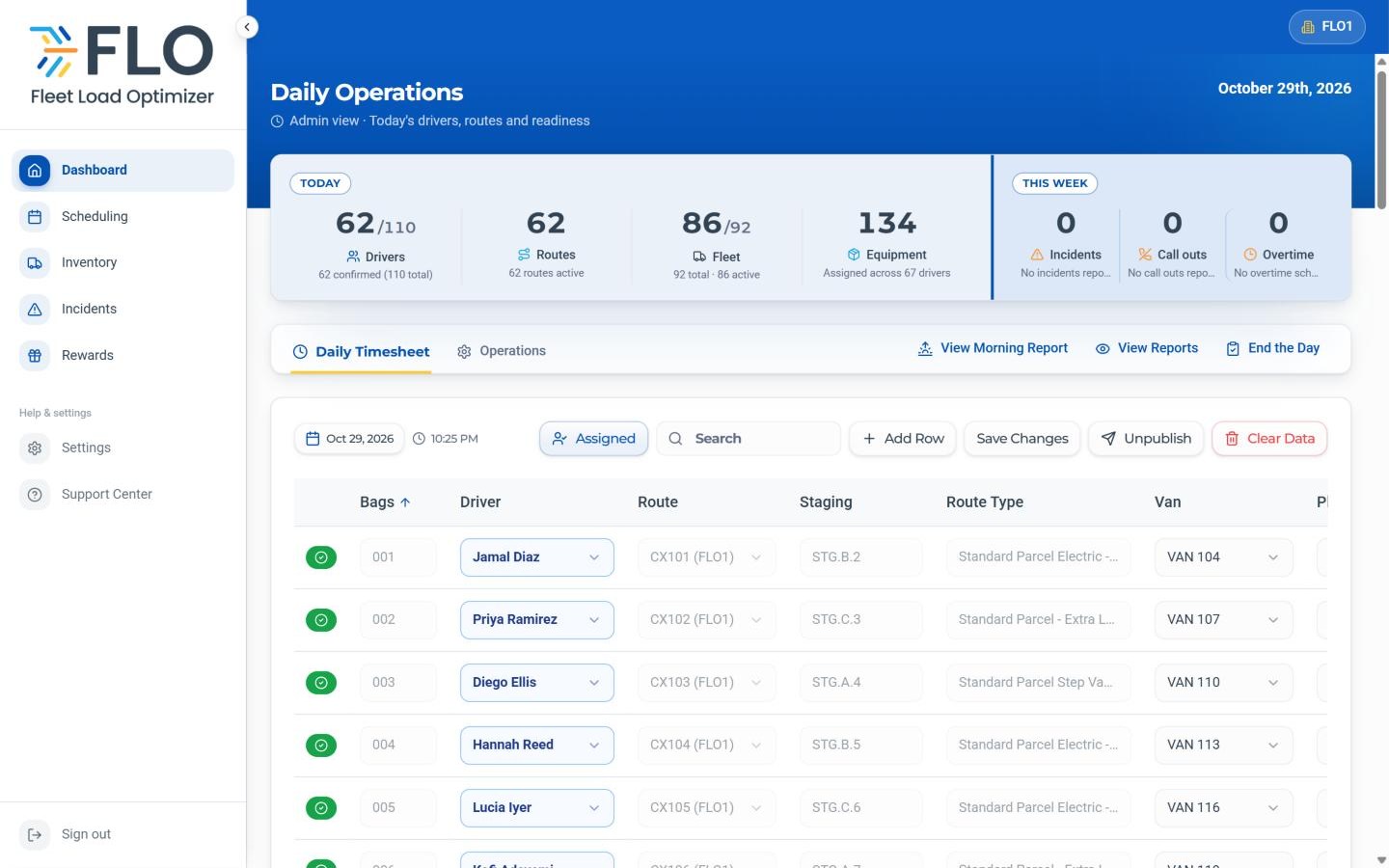
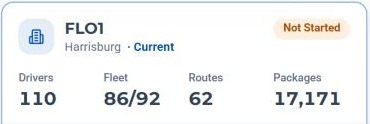
Real FLO screens from a sample station running 62 routes.
01 · Morning
Open the day
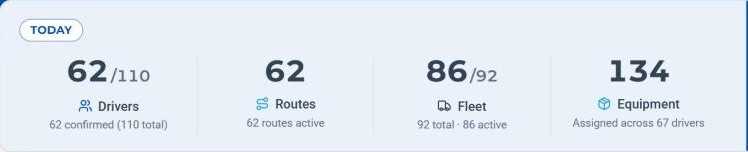
The morning report brings in the day's routes and sets the numbers your team works from.
- Today's drivers, routes, vans and equipment at the top of the dashboard
- The morning report on file before launch
02 · Before launch
Build the Daily Timesheet
Pair each route with a driver, van, phone and power bank, then publish it to the team.
- Add a row for extra work; it saves the moment you add it
- Transfer a vehicle, phone or power bank after publishing
- Generate a DVIC from any row with a driver and a van
FLO · Daily Timesheet 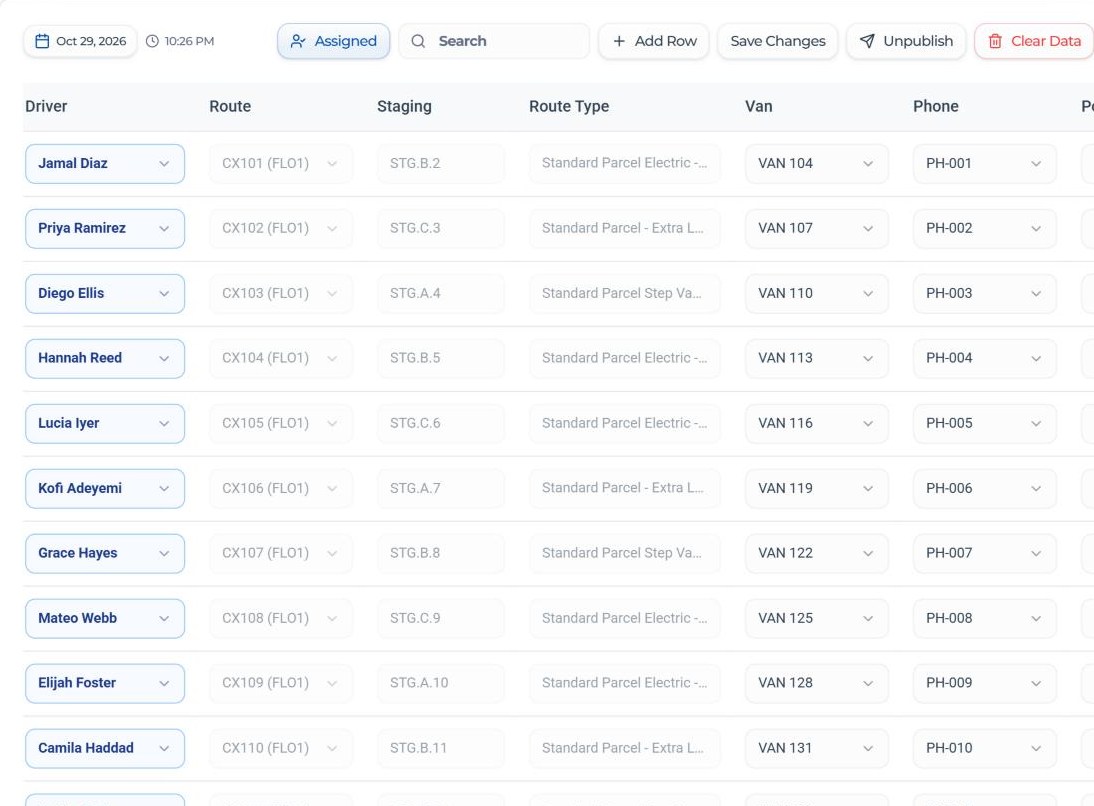
03 · Launch
Follow the day from the dashboard
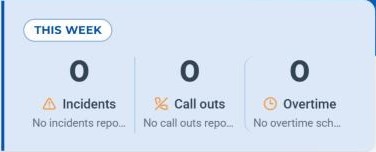
Today and This week panels sit above the timesheet, with quick actions for the morning report, past reports and End the Day.
- This week's incidents, call outs and overtime, with a per-driver overtime summary
- Routes completed, packages delivered and fleet use on the Operations tab
- Time-off requests reviewed from the dashboard
FLO · Dispatcher dashboard 04 · On the road
Drivers stay in the loop
Drivers open FLO on their phone for today's route, their equipment and the driver feed.
- Report a vehicle issue or an incident, with photos
- See their schedule, bid on open runs and request time off
- Every incident gets an INC number your team follows to close
05 · Evening
Close and sign off
End the Day files the End of Day report and its sign-off. If a day is missed, FLO raises it before the next one starts.
- A one-page daily summary under View Reports
- The Operations Center shows each station's End of Day status side by side
06 · Across the week
Plan, guide and recognize
Scheduling, tasks, announcements and rewards keep the whole team pulling in the same direction, week after week.
- A weekly schedule with Cycle 0, 1, 2 and Flex start times, a six-day limit and overtime checks
- Tasks and announcements drivers see in their own app
- Points, cash bonuses and a prize shelf drivers redeem points against
FLO · Scheduling 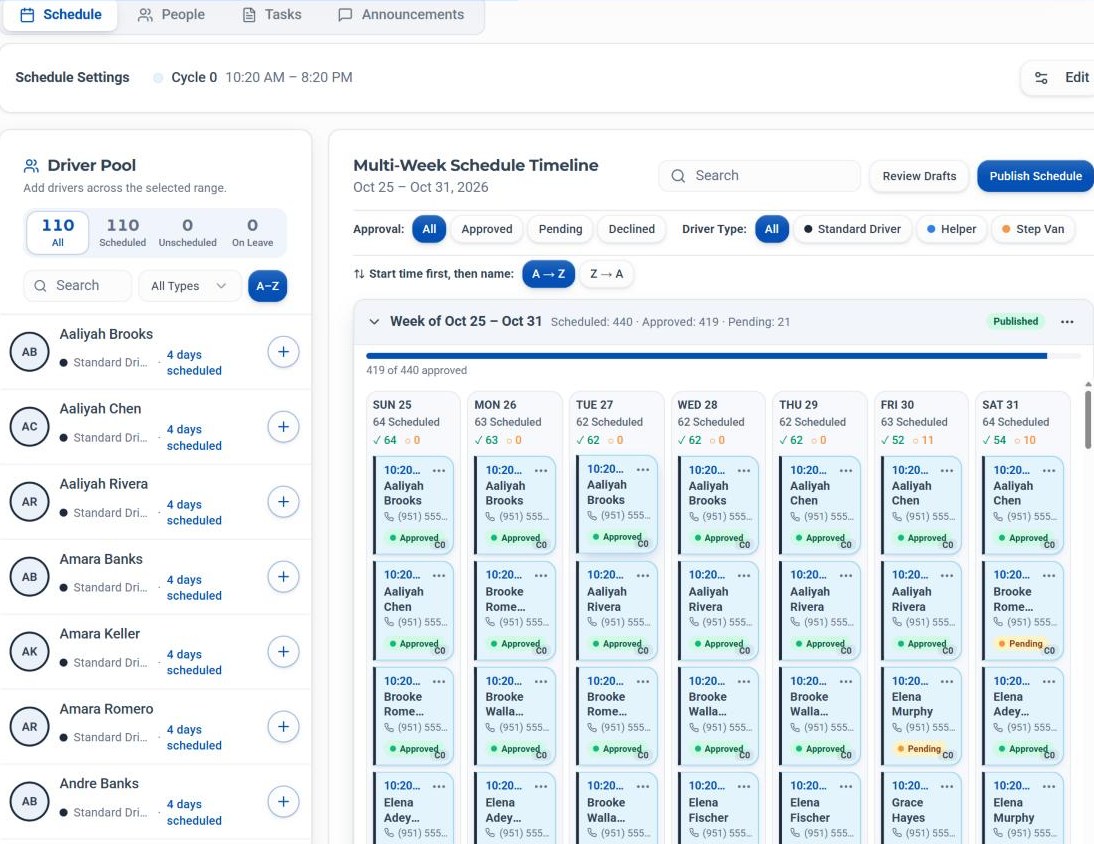
Around the team
The tools that support your people.
Onboarding
Associates, write-ups and coaching, kept together for each person.
Incidents & support
INC numbers for incidents, SUP numbers for support tickets.
Tasks & announcements
Tasks and announcements for drivers, with an Arrival Log beside the schedule.
Rewards
Top drivers by week, month or quarter, with approval on every prize request.
Explore by area
Every area, in detail.
Choose an area to see what it covers and how it connects to the rest of FLO.
See how FLO fits your station.
Walk through FLO with your own routes and team, or start a 30-day free trial.
30-day free trial · Independent software, not affiliated with Amazon